
Radiator is taking too long to warm up or the radiator is too small for the room
This article applies to the Genius Radiator Valve (DA-WRV-A/B/C). It does not apply to the Wireless Radiator Valve (DA-WRV-E).
When a zone is displayed in the app with an orange background, the system is attempting to warm the zone.
Each Genius Radiator Valve within that zone should have received the set point (i.e. target temperature) within 10 minutes of it being changed in the app (see how long devices take to communicate with the Genius Hub). You can tell if it has by pressing any of the buttons - the screen will light up and display the current set point.
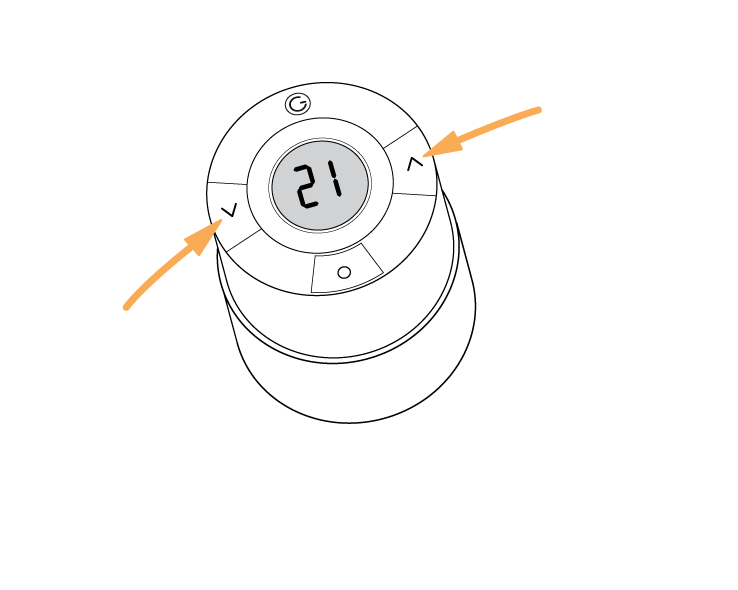
How to change the Genius Radiator Valve's responsiveness
If the valve receives its set point but the radiator takes a long time to get warm, you can change the following setting. This makes the valve behave as if it is fitted to a radiator that is too small for the room, so it opens faster to heat the room. Once the room is up to temperature, the valve controls to the set point as normal. If the radiator is in fact large enough for the room, the room may overshoot the target temperature.
-
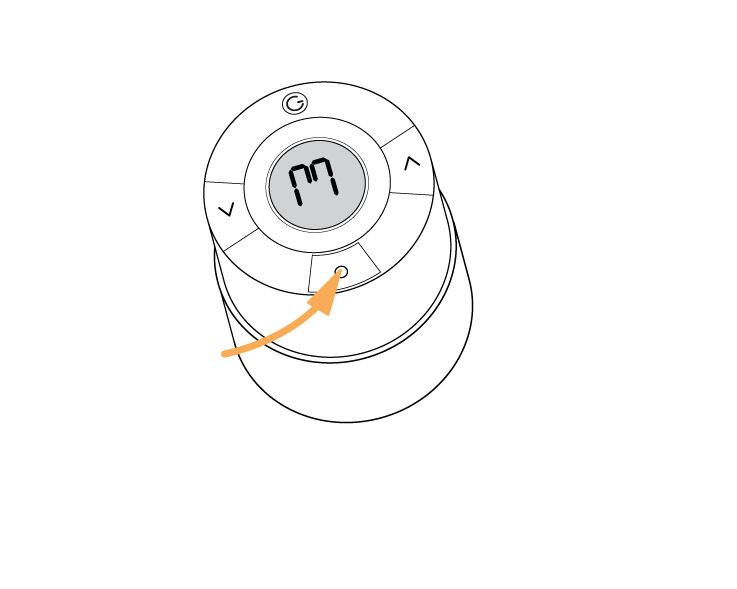
Hold down the middle button until the screen illuminates and 'M' is displayed
-
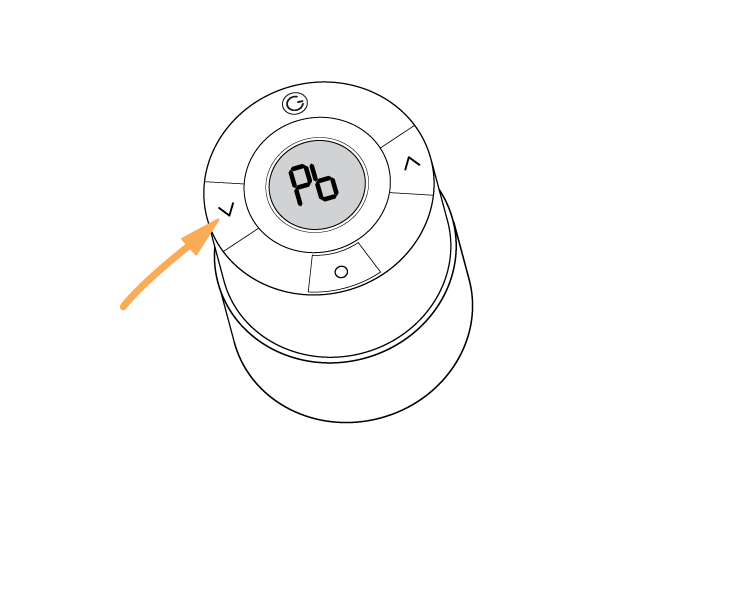
Press the left (down arrow) button twice, so that 'Pb' is displayed
-
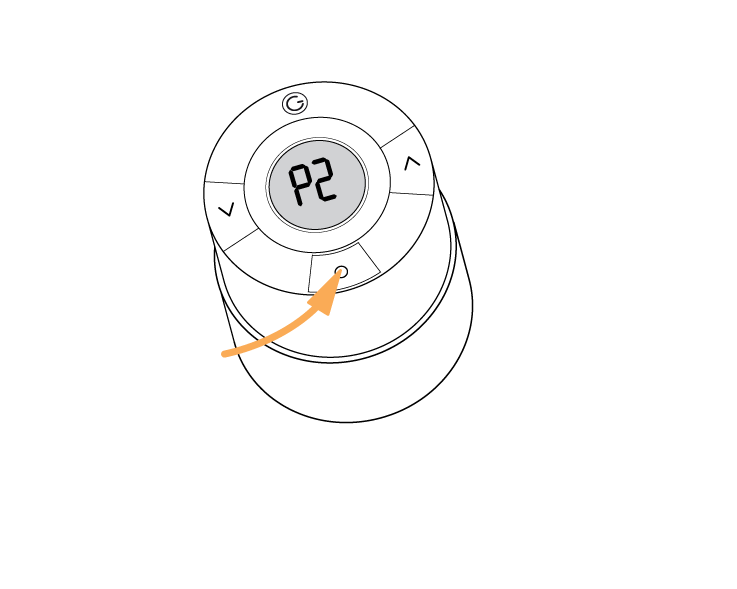
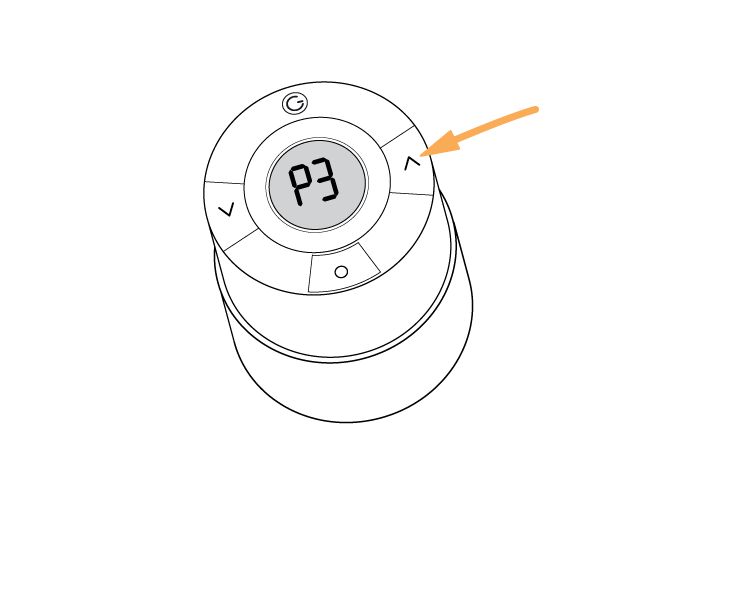
Press the middle button. A value will be displayed, one of: P1 / P2 / P3
-
Press the right (up arrow) button until P3 is displayed
-
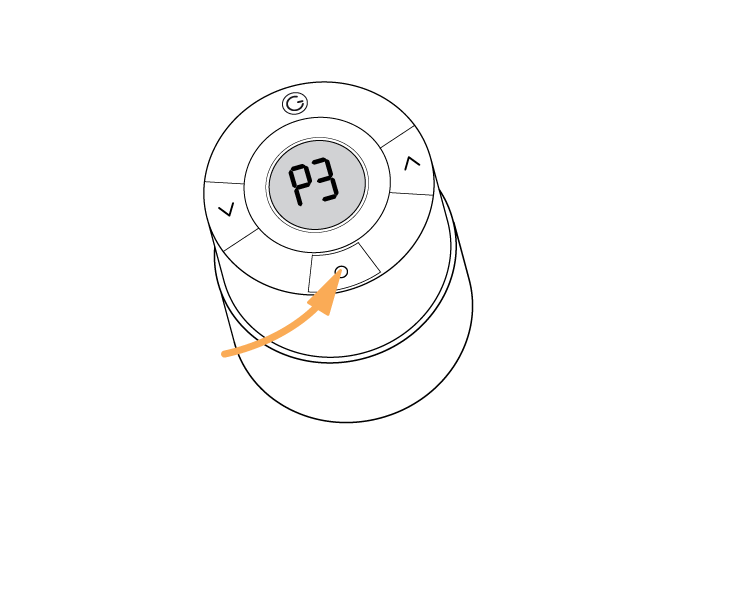
Press the middle button to select P3
What do the different settings mean?
-
P1: for when the radiator is too large for the room or is overshooting the set temperature
-
P2: default setting
-
P3: for when the radiator is too small for the room or the room is taking too long to heat up