
If you have a hot water zone measuring the temperature in the app, a temperature should be displayed, as seen below. This is the temperature the schedule controls to for your hot water.
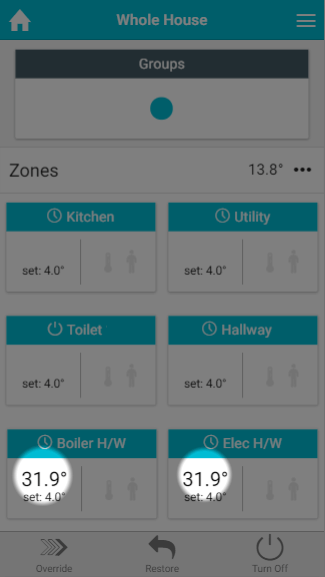
If you do not have a measured temperature displayed for your hot water zone:
Check the Electric Switch is reporting a temperature
-
Click on the Main Menu (found at the top-right of the app)
-
Tap 'Settings'
-
Choose 'Devices
-
Scroll down to the Electric Switch which is to control your hot water and check that there is a temperature displayed by tapping on the Electric Switch
-
There should be a row displaying the 'Air Temperature'
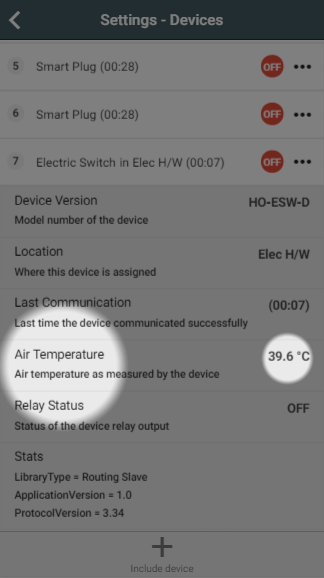
-
If a temperature is not being displayed for an Electric Switch (with Temperature Probe installed):
-
Click on the sub-menu (••• to the right of the Electric Switch)
-
Click on 'Configure'
-
When the Electric Switch next communicates it will report the measured temperature (normally takes about 1 minute)
-
Check the temperature is assigned
-
Go to the hot water temperature zone
-
Click on the Zone Submenu (••• underneath the mode selector)
-
Choose 'Zone Setup'
-
Click 'Assign Device' at the bottom of the screen
-
Tap 'Show Details' at the top of the dialog
-
Select the 'Measured Temperature' channel for the Electric Switch, followed by 'Assign'