
When to factory reset a Genius Radiator Valve
You may need to reset a Genius Radiator Valve if you are swapping which Genius Hub the Genius Radiator Valve is included onto, or if the Genius Radiator Valve will not re-include onto the system.
How to factory reset the Genius Radiator Valve
To factory reset a Genius Radiator Valve:
-
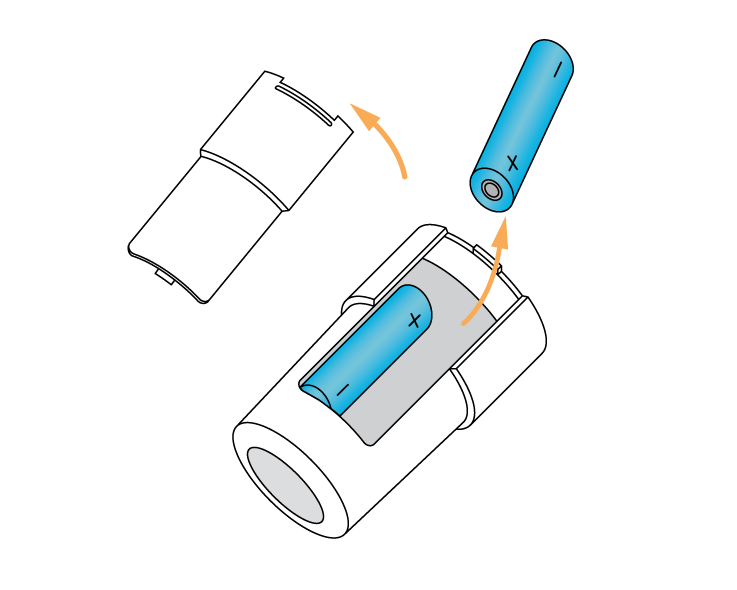
Remove the battery cover and one battery.
-
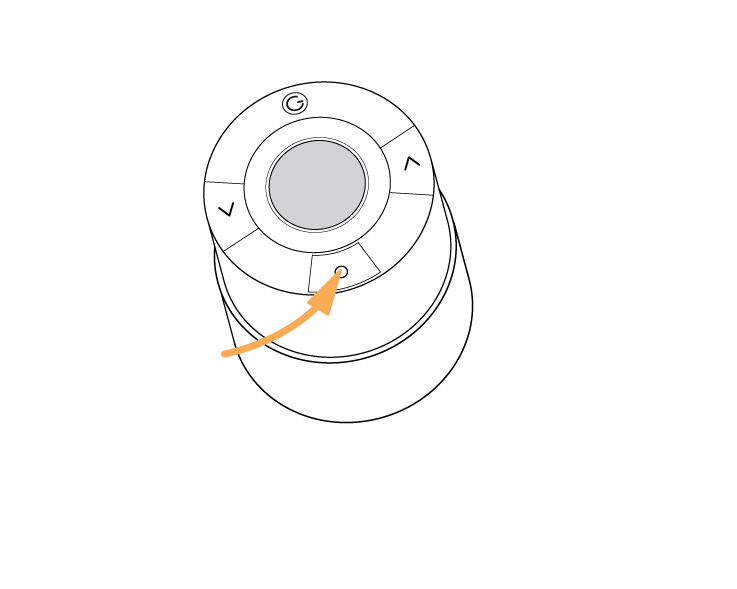
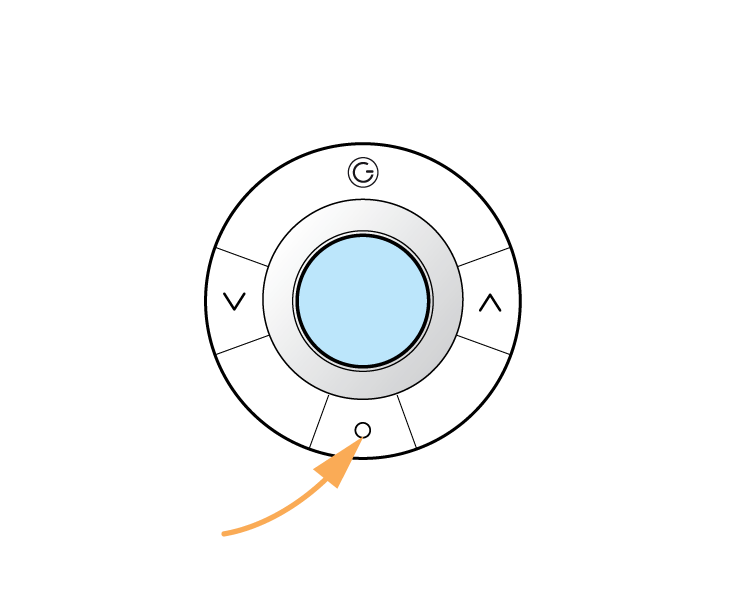
Press and hold down the middle ('o') button.
-
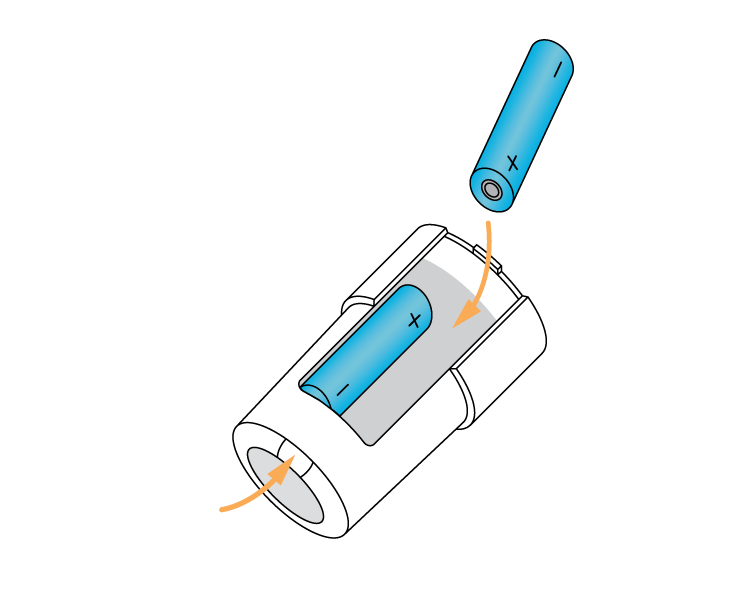
Re-insert the battery whilst still holding the middle button.
-
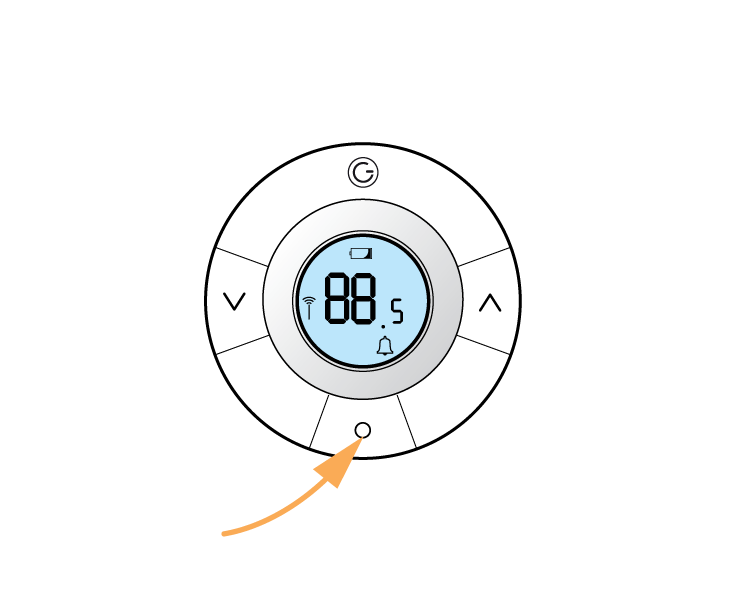
The valve will perform a screen test and show all the icons.
-
Keep the button pressed until the screen goes blank.
-
Release the middle button.
-
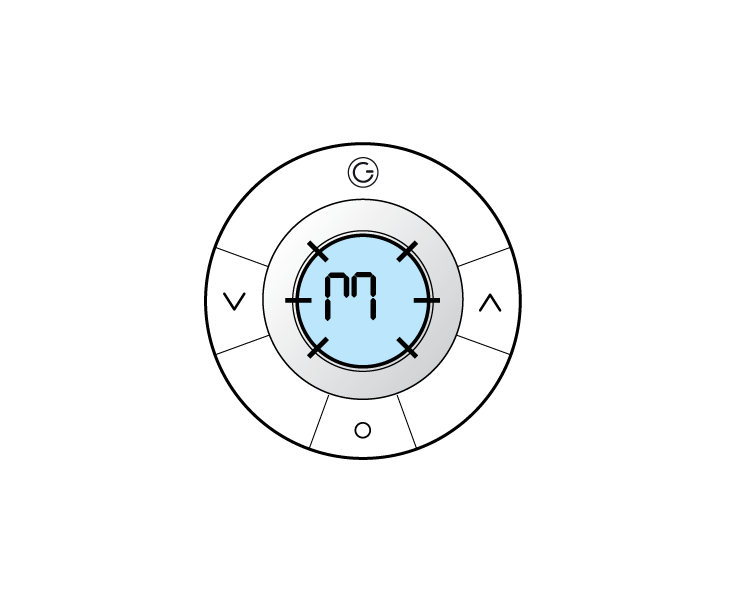
If successful the valve will go into mount mode and 'M' will flash on the screen.
How to add the Genius Radiator Valve to a Genius Hub
The Genius Radiator Valve is now in a factory reset to default state, to add it back onto the system again go to the 'Doctor' on the app which is under the 'Main Menu'.
Related Information: