
The Wireless Motion Sensors (PH-WMS-B) report when movement is detected in a room. This gives access to Sense and Footprint Mode in the app, so the heating only comes on when a room is in use.
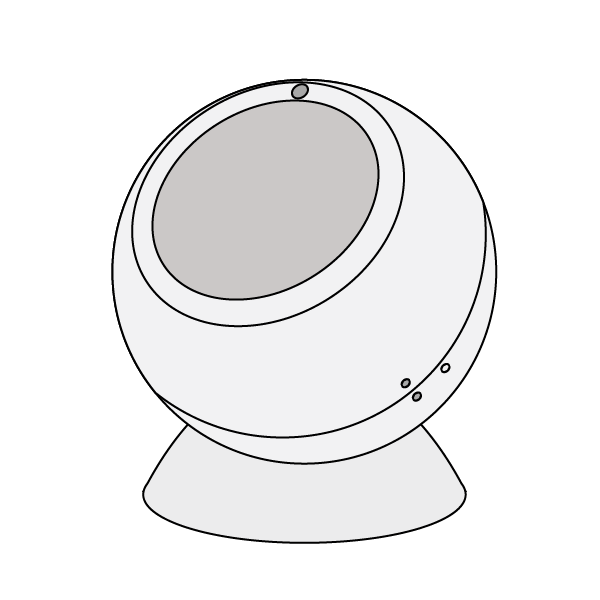
If the Motion Sensors were purchased as part of a system direct from Genius Hub, each one is labelled with the room it is for and is already linked to that zone in the app. Install each sensor in the room shown on its label.
Positioning the Motion Sensor
-
The Motion Sensor rotates on its mount, so it can be fixed to nearly any flat surface, including walls and ceilings.
-
It does not measure temperature, so it can be placed at any height, and it does not matter if it is near a heat source.
-
Point it at the part of the room people will occupy. Its detection range is 10m directly in front and 6m at ±45°.
-
Fit the round, concave mount to the surface. There are 3 options:
-
Magnetic surface: the mount attaches directly to it.
-
Permanent fixing: stick the mount to the surface using the white adhesive pad provided.
-
Removable fixing: stick the metal plate to the surface using the white adhesive pad provided, then attach the mount to the metal plate magnetically. This lets the mount be moved later.
-
-
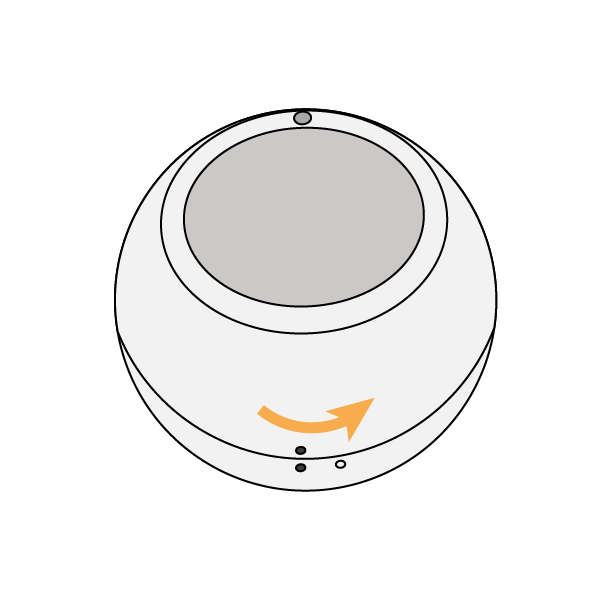
Open the Motion Sensor by twisting the 2 halves until the solid and hollow dots line up, then pull the back off.
-
Pull out the battery tab (it takes a CR123 battery). Replace the back cover with the hollow and solid dots lined up, then twist the back cover until the 2 solid dots line up again.
-
Place the Motion Sensor on the mount. The 2 parts are held together magnetically, so you can rotate the Motion Sensor to face the part of the room people will occupy.
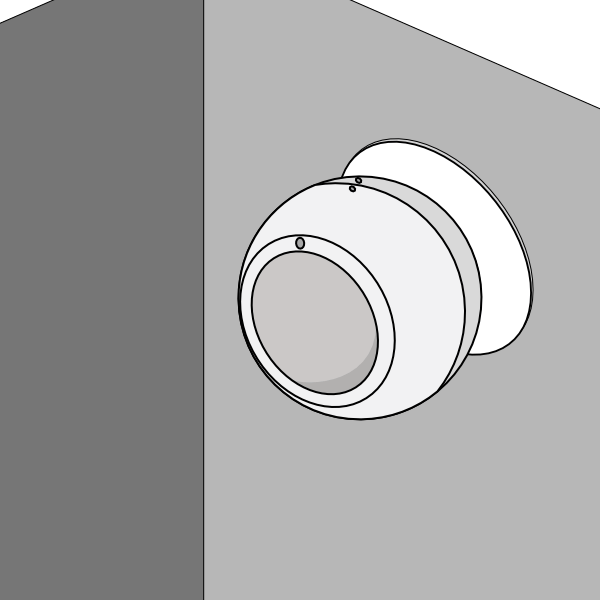
Leave the pack of fixings with the customer in case they want to move the Wireless Motion Sensor later.