The Wireless Room Thermostat (HI-WRT-D) shows the temperature in the room and gives a quick way to override the temperature without opening the app.
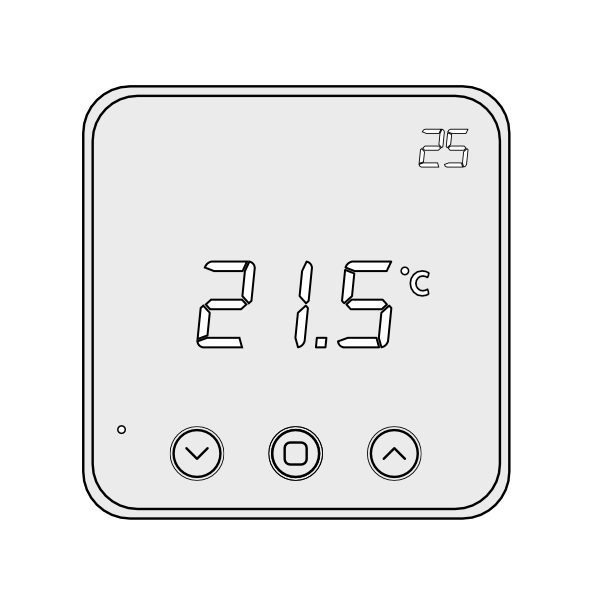
If the Wireless Room Thermostat was purchased as part of a system direct from Genius Hub, it is labelled with the room it controls and is already linked to that zone in the app. Install it in the room shown on its label.
The golden rules for positioning a Wireless Room Thermostat are:
-
Internal wall – so the thermostat does not under-read from being on a cold surface.
-
Out of direct sunlight – consider whether the thermostat would be in direct sunlight when the sun shines through the window, as this would affect the temperature it reports.
-
Chest height – position it about 1.5m from the floor for an accurate room temperature (not the temperature near the ceiling).
-
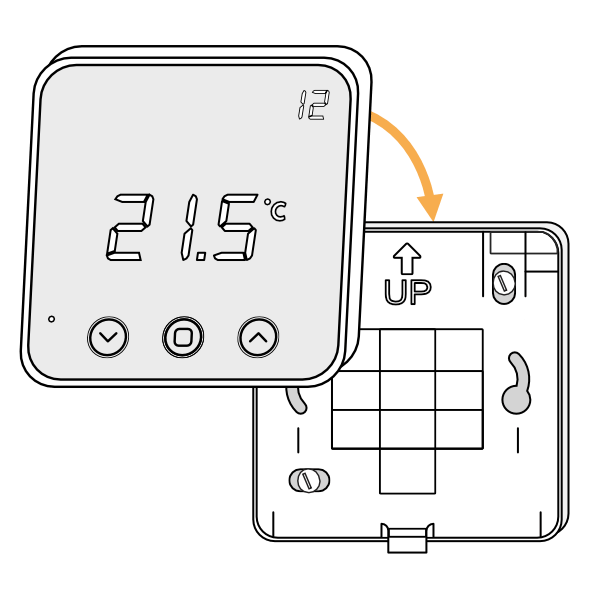
Remove the Wireless Room Thermostat from its backplate: place a flat-bladed screwdriver in the cutout on the underside of the device, then lever the front away.
-
Turn the thermostat over so the screen faces away from you, and pull out the plastic tab to connect the batteries (3 x AA).
-
Screw the backplate to the wall in the chosen room, with the up arrow at the top.
-
Fit the thermostat onto the backplate by aligning it at the top and rotating it down to meet the backplate at the bottom.